How to Write the Perfect Shopify Blog Article: SEO, Structure, and Conversion Checklist
Learn how to structure the perfect Shopify blog article, connect search intent to store goals, and turn content into product discovery with AutoBlog AI.

Elena Rostova
Content Strategy Lead
Introduction
Most Shopify blog posts fail for the same reason: they are written as filler, not as growth assets. A perfect article is not just “well written.” It matches search intent, earns trust, supports internal linking, and gives the visitor a clear next step.
If you want content that helps real people and also helps your store rank, the goal is simple: build articles that answer a real question better than the pages already on the results page. Then make sure the article fits your product catalog and your conversion path.
Foundation
What a great Shopify blog article actually includes
A strong Shopify article usually combines five things at once: relevance, structure, product context, clarity, and a conversion path.
- A clear search intent, such as comparison, styling advice, sizing help, or product education.
- A clean hierarchy with one strong H1, logical H2s, supportive H3s, and scannable bullets.
- Specific examples tied to your store, not generic advice that could belong to any website.
- Helpful internal linking to products, collections, or related articles.
- A next step that respects the reader instead of forcing a hard pitch.
Quick rule
If a blog post does not answer a real shopper question and connect naturally to your store, it is not content marketing. It is just publishing for the sake of publishing.
Planning
Start with one keyword cluster and one store goal
Before drafting anything, decide what the article should accomplish.
- Bring in top-of-funnel traffic around educational searches.
- Help buyers compare, choose, or understand a product better.
- Strengthen topical authority around your main category.
- Support internal linking to products or collections that matter.
Then choose one primary keyword cluster, not ten disconnected ideas. A good example would be “how to choose the right women’s top size” rather than a vague keyword like “fashion tips.”
Structure
Use a structure that shoppers and search engines can scan
The best-performing articles feel easy to navigate. Readers should know where they are, what problem you are solving, and what comes next.
Recommended layout
- Introduction with the exact shopper problem
- Table of contents for long articles
- Body sections focused on one decision at a time
- Examples, comparisons, and checklists
- FAQ for objections or edge cases
- Soft CTA at the end
What to avoid
- Long walls of text with no substructure
- Overusing the product name in every sentence
- Generic copy that could fit any store
- Huge keyword stuffing blocks
- Ending without a clear next step
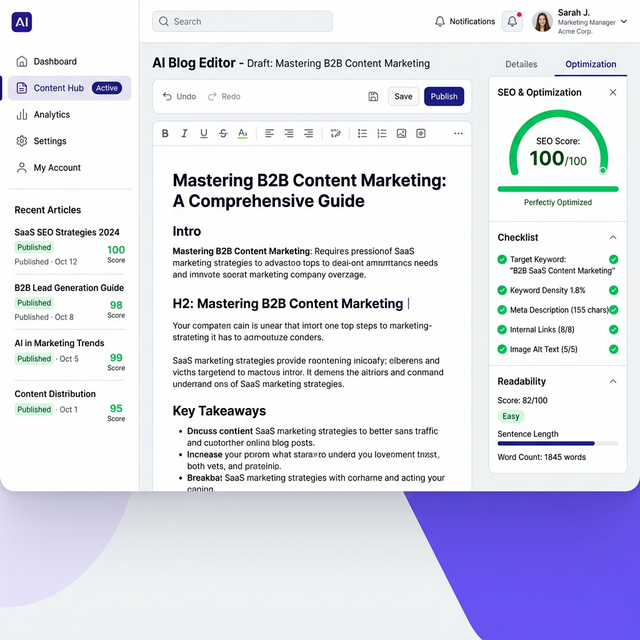
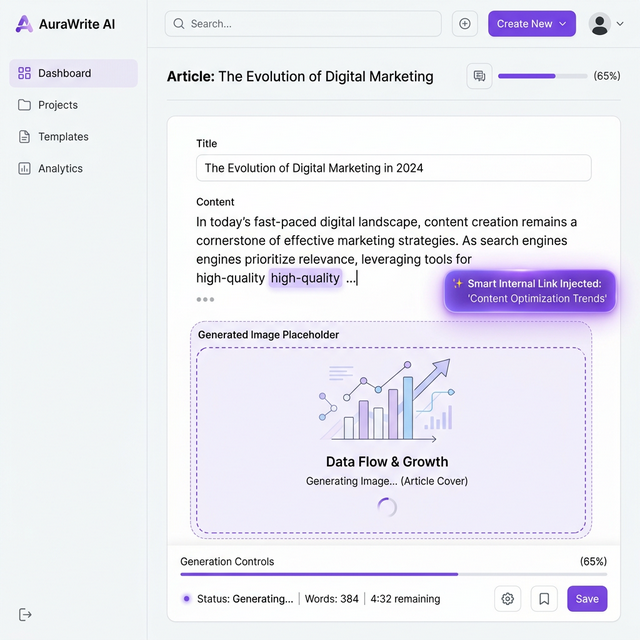
This is exactly why structured tools matter. Inside AutoBlog AI, the article generator and editor are designed to keep the outline, metadata, and final formatting under control before you publish.
Conversion
Add product context without turning the article into a sales page
A Shopify blog article should support revenue, but it should not feel like a forced ad. The smartest articles connect product context to the reader’s actual decision.
- Mention a product when it helps explain sizing, materials, use cases, or fit.
- Link to collections when the reader is clearly moving from research to browsing.
- Use supporting proof instead of overhyped marketing language.
- Keep the article helpful first and commercial second.
Product-led articles work especially well here. If you want that workflow, the Product-Led Auto-Pilot guide and the Product Article Creator guide show exactly how to do it inside the app.
Quality Control
Use a final quality checklist before you publish
Before any article goes live, run it through a simple review checklist. This one catches most avoidable mistakes.
Content checklist
- Clear introduction and strong section flow
- Examples or specifics tied to the store
- No repetitive filler or keyword stuffing
- FAQ covers realistic buyer questions
SEO checklist
- Meta title and excerpt are worth clicking
- URL handle is clean and specific
- Internal links point to relevant pages
- Hero image and formatting feel polished
Workflow
How to do all of this faster with AutoBlog AI
You can absolutely build strong articles manually, but most merchants do not have the time to repeat that process every week. That is where AutoBlog AI becomes valuable.
- Use Manual Article Creator when you want editorial control.
- Use Storewide Auto-Pilot for recurring educational content.
- Use Product-Led Auto-Pilot when the article should pull from products or collections.
- Use the editor to refine metadata, quality signals, and final copy before publishing.
If you want to see the exact workflows, start with the AutoBlog AI docs hub or go directly to the Shopify App Store listing.
FAQ
Frequently Asked Questions
How long should a Shopify blog article be?
Should every blog post mention products?
Can AutoBlog AI help with manual and automated workflows?
Next Step
Build better Shopify articles without starting from a blank page
Open AutoBlog AI to generate structured drafts, refine the outline, improve metadata, and publish faster without sacrificing quality.